Codes
Paint to Get Rich 🎨 codes, how to redeem, and expired lists.
View all CodesPaint a canvas, sell it to a buyer, and spend the Cash on the next green button.
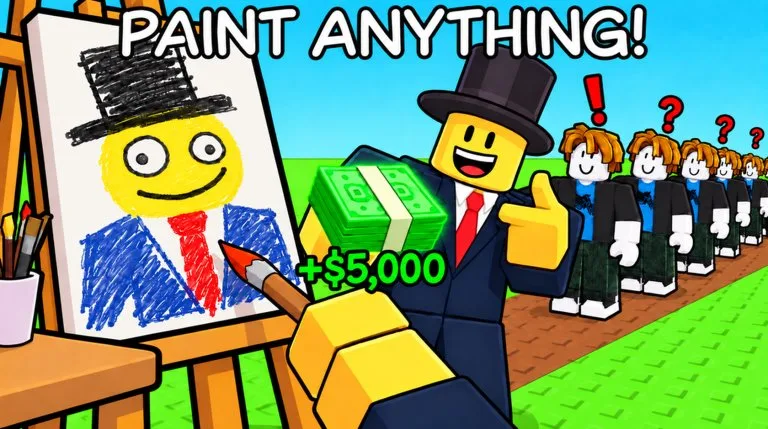
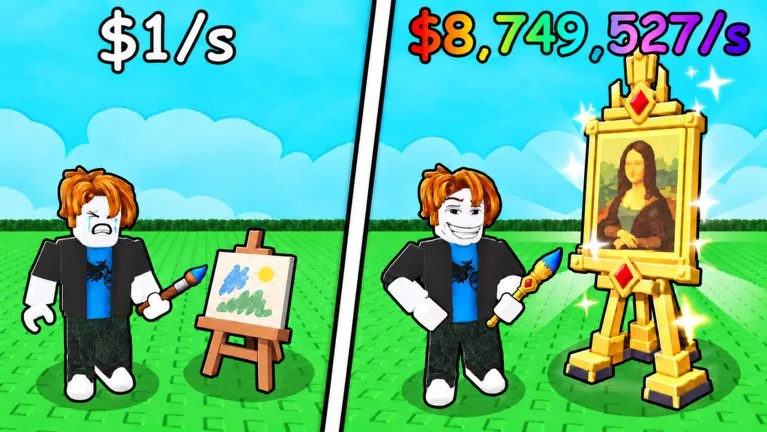
Paint to Get Rich is a free Simulation / Tycoon experience by Toasty Works. You paint on a canvas, place the work on a display table, and sell it when a buyer makes an offer. Cash from those sales pays for green buttons that grow the studio. The official description's current update is W2 / The Museum, which you reach through Prestige.
Player guide for painting, selling, studio buttons, Prestige, badges, and the Museum in Paint to Get Rich.
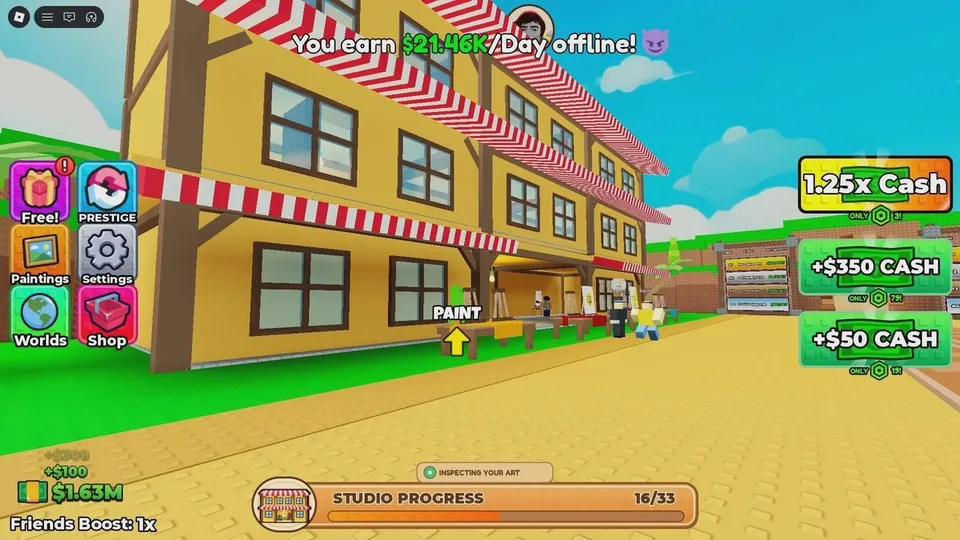
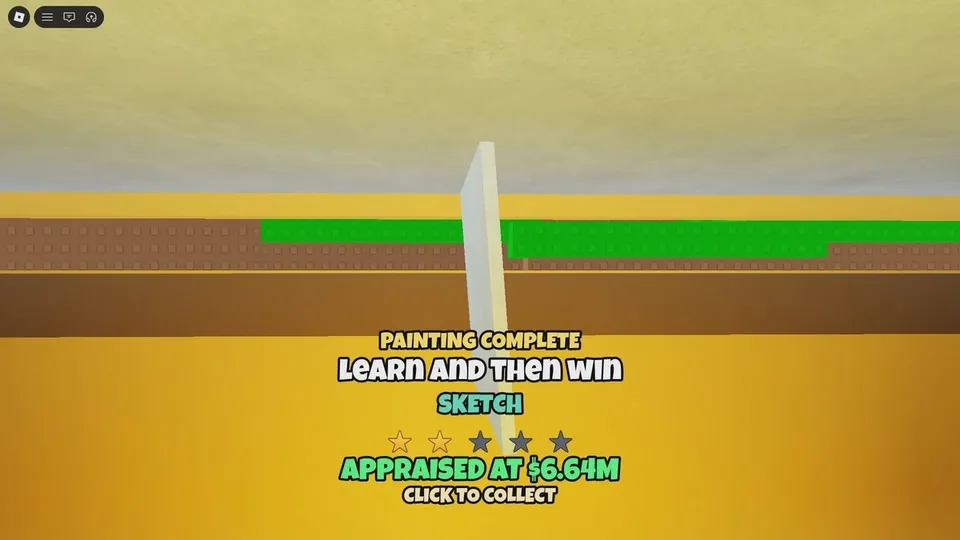
On a keyboard, move with WASD, jump with Space, and interact with E. Paint with the left mouse button. Finish a canvas to receive an appraisal and Stars, put it on a table, then negotiate or press Sell. Step on a green button you can afford. Open the Prestige menu on the left only when its Cash, sales, and Star lines are full, because the reset deletes the studio.
Paint to Get Rich 🎨 codes, how to redeem, and expired lists.
View all CodesPaint to Get Rich 🎨 walkthroughs and task pages.
View all GuidesPaint to Get Rich 🎨 walkthroughs, progression, and practical video tutorials.
View all Video TutorialsS through D rankings for Paint to Get Rich 🎨.
View all Tier ListPaint to Get Rich 🎨 roster hub.
View all PlayersPaint to Get Rich 🎨 patch notes and listing-checked changes.
View all UpdatesWhat community tools claim to automate in Paint to Get Rich 🎨, and why this wiki will not host them.
View all ScriptsEditorial tables, not live apps.
View all ToolsPaint to Get Rich 🎨 database hubs.
View all WikiOfficial game page, group, and this wiki map.
View all LinksFrom an empty studio to the first sold painting.
A higher payout on a five-minute cooldown.
What the 33 upgrades are known to do.
World 2. Guides report Prestige 3.
Official badge text, including the storage-room cat.
Type your own cost and offer increase.
Paint, display, and press Sell before you worry about worlds. Open page
Use the grade on a normal sale, and save the best canvas for the auction. Open page
Studio expansion is what improves later offers. Open page
Meet the three menu lines, then confirm. Guides report World 2 at Prestige 3. Open page
Seven badges, including the cat behind the auction painting. Open page
It is a free Roblox Simulation / Tycoon by Toasty Works. You paint a canvas, put it on display, and sell it for Cash. That Cash pays for green studio buttons. Prestige wipes the run for a permanent Cash multiplier, and World 2 is the Museum.
Yes. The Roblox listing has no entry price. Gameplay notes do not publish a pass list, so this guide does not invent one.
Finish the canvas, place it on a display stand, wait for a buyer, then negotiate or press Sell. Stars for the Prestige menu are tied to finishing the painting. The sold-painting line moves only when you accept a sale.
Open the Prestige button on the left and read the three live lines: Cash, paintings sold, and Stars. Confirm only when all three are full and you accept losing the studio, Cash, paintings, hired artists, and upgrades. Guides currently report that the Museum opens at Prestige 3. Follow the in-game prompt if it shows a different requirement.
No code string is documented, and no redeem button has been described. Do not enter codes from other Roblox painting games.
Finishing a painting gives an appraisal. Roblox badges confirm that a painting can be rated four stars or five stars. What produces that grade, stroke count or picture complexity, is not published. Read the grade on the canvas you just finished.
Open the official experience, then follow the first-session guide if you want one sold painting before you touch Prestige.